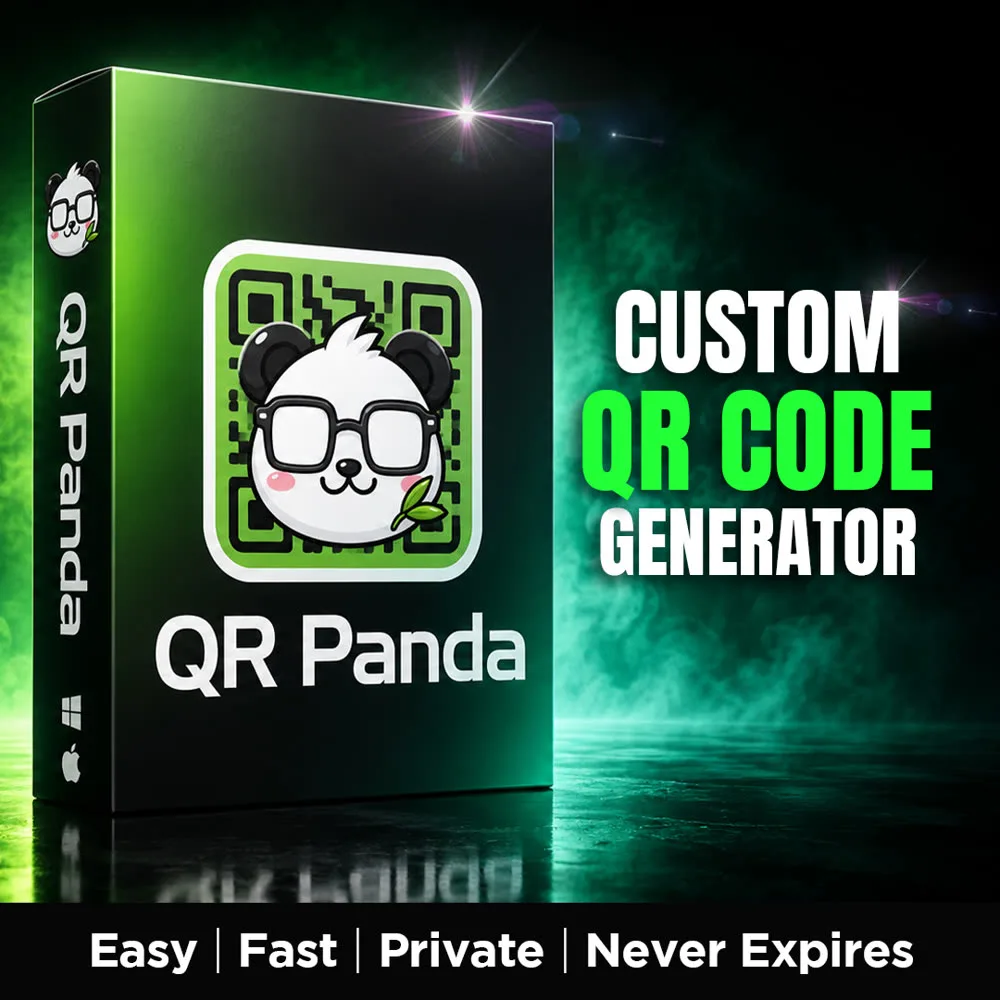
- Runs 100% on your computer — no account, no uploads, works offline
- Static codes that never expire — nobody can switch them off or bill you later
- Add your own logo, pick your colors, 6 dot styles and 3 corner styles
- Export PNG, JPG or SVG (true vector — any print size)
- Unlimited codes, one-time price, no subscription
- Windows & Mac · instant digital download
Make QR codes that stay yours. Forever.
🔒
Nothing leaves your computer
No account, no cloud, no uploads. QR Panda runs in your own browser from your own folder, and works with the internet switched off.
♾️
Codes that never expire
Your link is baked directly into the pattern. Nobody can switch it off, cap your scans, or send you a renewal bill in six months.
🎨
Your logo, your colors
Drop in a logo, pick your palette, choose your dot and corner shapes, then export as PNG, JPG or true vector SVG.
Why most free QR codes stop working
Nearly every free QR code generator online creates a dynamic code. That code does not actually contain your link — it contains a redirect that routes every scan through the provider's server first.
That arrangement is fine right up until it isn't. The provider adds a paywall, caps your monthly scans, or shuts the service down entirely — and every code you already printed goes dead. Business cards, flyers, packaging, table tents, stickers, banners. All of it, at once, with no warning.
QR Panda makes static codes instead. The link lives inside the pattern itself, so there is no middleman and nothing to keep paying for. A code you generate today will scan exactly the same way in ten years. The one honest trade-off: if you need to change where a code points later, you generate a fresh one, which takes about five seconds.
Everything it does
- ✅ Live preview — the code redraws as you type, with no "generate" button to hunt for
- ✅ Add your own logo (PNG, JPG or WebP) — it centers and sizes itself, and raises error correction automatically so the code still scans
- ✅ 6 dot styles and 3 corner styles, mix and match
- ✅ Custom colors for the code, the background and the corners — plus optional gradients
- ✅ Transparent background export, so codes drop cleanly onto your own artwork
- ✅ Save as PNG, JPG or SVG — the SVG is true vector, so it scales to a poster with zero quality loss
- ✅ Unlimited codes, forever, with no per-code or per-scan limit
Built-in checks so it actually scans
Most QR tools will happily let you export something unscannable and leave you to find out at the print shop. QR Panda warns you before that happens:
- ⚠️ Your color contrast is too low to read reliably
- ⚠️ Your code is inverted — light pattern on a dark background, which many scanners refuse
- ⚠️ Your logo isn't square, so it will distort in the center
Who it's for
Streamers and creators linking a Discord, a shop or a socials page from an on-screen overlay. Small businesses putting a menu, a booking link or a review request on printed material. Anyone running merch tables, flyers, packaging inserts or event signage who needs a code that is still working long after the print run.
How it works
- Unzip the folder anywhere you like — your Desktop or Documents works fine
- Double-click "QR Panda.html" — it opens in your browser, with nothing to install
- Paste your link, style it, hit Save — then scan it with your phone to confirm before you print
What's included
One QR Panda folder — a 196 KB download containing the app, its Backend folder, and a plain-English "READ ME FIRST" guide with practical QR advice on sizing, contrast, quiet zones and which file format to use where. Works on Windows and macOS in Chrome, Edge or Firefox. One rule: keep the Backend folder next to "QR Panda.html" and move them together.
Please read before buying. QR Panda is software you use to make your own codes — unlimited, any time. It is not a single custom code designed and delivered to you. If you want a done-for-you design service, this isn't that. Digital products are non-refundable once downloaded (see the refund policy) — but if anything is wrong with the files, reach out and I'll make it right.
Built on the open-source qr-code-styling library (MIT licensed — the full license is included in your download), so QR Panda is cleared for both personal and commercial use. "QR Code" is a registered trademark of DENSO WAVE INCORPORATED. Not affiliated with, endorsed by, or sponsored by Riot Games.