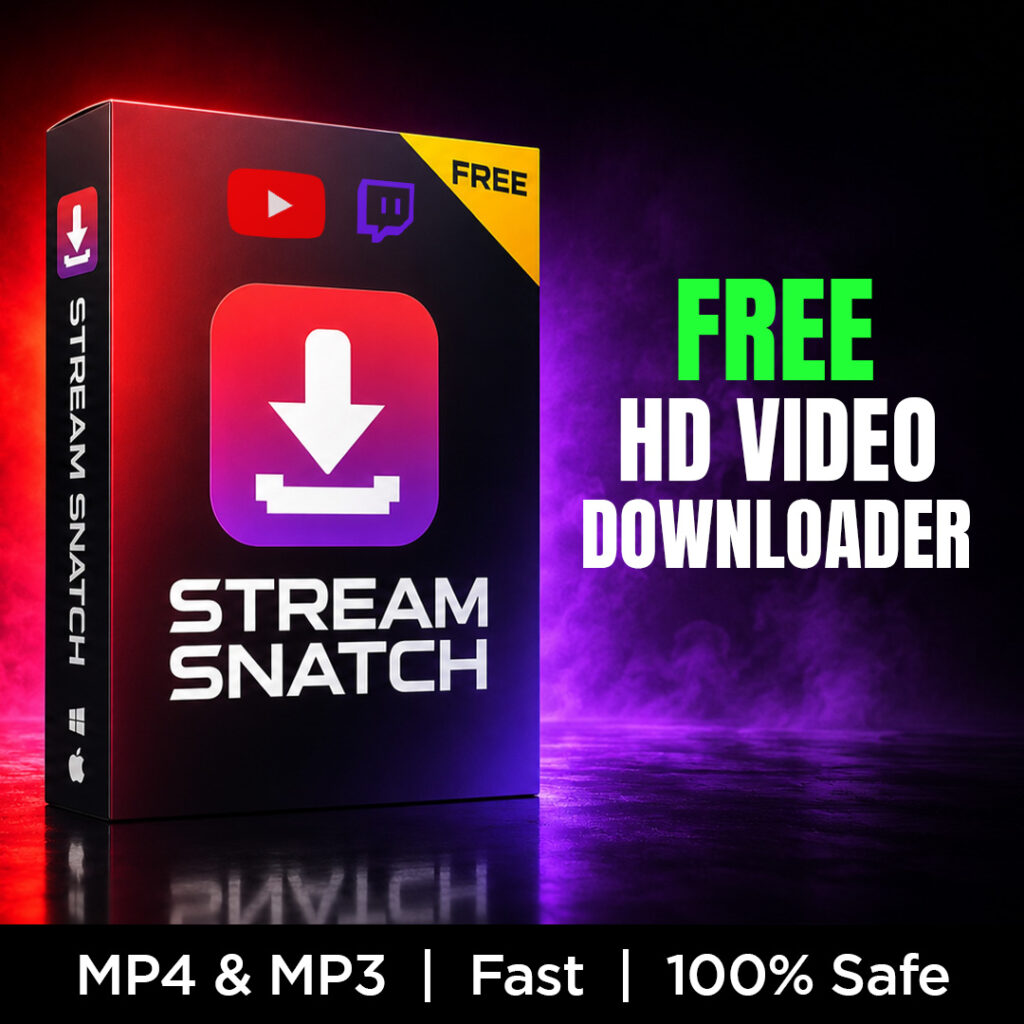
The BEST free app to download high‑quality YouTube & Twitch videos.
🛡️
100% Safe & Private
Runs entirely on YOUR computer. No accounts, no cloud, no ads, no sketchy websites. Your downloads are your business.
⚡
Fast & Effortless
Paste a link, click Download, done. Grab multiple videos at once with live progress bars and thumbnails.
🎬
Creator‑Ready Quality
Max‑quality MP4s that drop straight into Premiere Pro with zero converting. Audio‑only MP3 mode for podcasts & music.
Everything it does
- ✅ Max quality downloads (video MP4 / audio MP3)
- ✅ Works with 1,500+ websites — not just YouTube & Twitch (Twitter/X, Reddit, Vimeo, and more)
- ✅ Download multiple videos at once
- ✅ Save to any folder you choose — it remembers
- ✅ Cancel anytime; clean, clutter‑free interface
- ✅ One‑click installer sets up everything automatically (and skips what you already have)
- ✅ Pin it to your taskbar
How it works
- Download the zip and run “Install Stream Snatch” (one time, a few minutes)
- Double‑click the Stream Snatch icon on your Desktop
- Paste a link → click Download → done!
Requirements
Windows 10 or 11. The installer fetches the free helper tools it needs (Python, FFmpeg, Node.js) from official sources — automatically.
Stream Snatch is free forever. If it saves you time, you can leave a small tip in the app — it helps TJPuma build more free creator tools. 💜
Stream Snatch is intended for downloading your own content and content you have permission to save (your VODs, your uploads, Creative Commons, etc.). Respect the platforms’ terms and creators’ rights. Not affiliated with, endorsed by, or sponsored by YouTube or Twitch.